
To add dimension to a strategic objective, navigate to Admin Settings and Strategic Objectives. If you scroll down the page, you see an option to add dimension.
Click on the”+” icon and add a dimension.
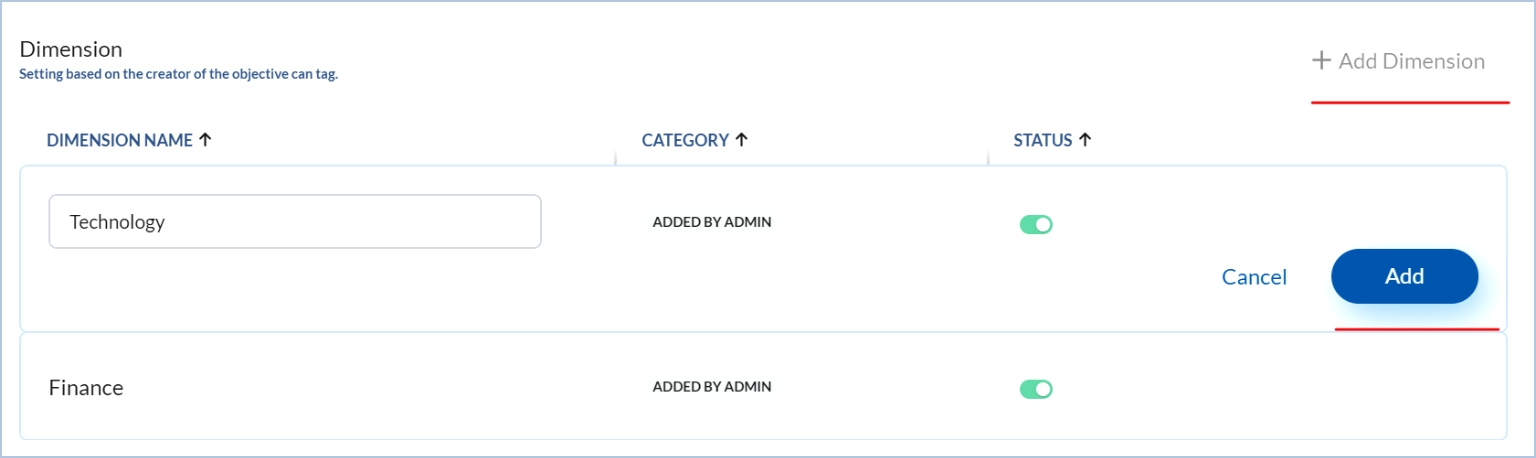
Type in the Dimension Name and click on Add. Once added, you may keep the status of the dimension active or inactive.


